Know what’s
on record.
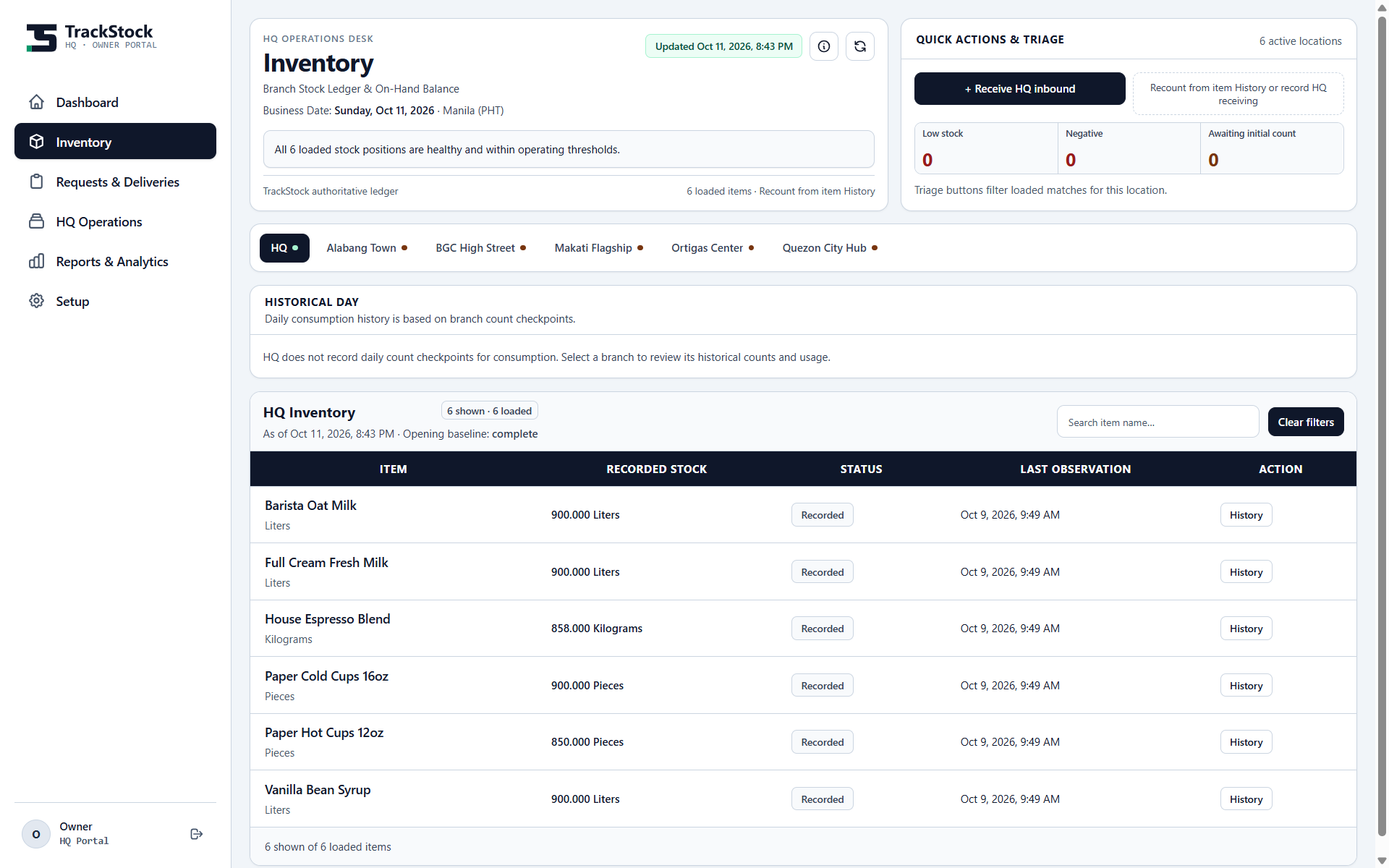
Inspect stock by location and keep recorded quantities beside their unit and last observation.
Connect the daily work of your branches with HQ. Stock counts, supply requests, and deliveries—with a clearer view of what comes next.
Explore labeled captures across HQ operations, inventory, supply coordination, reporting, and setup.
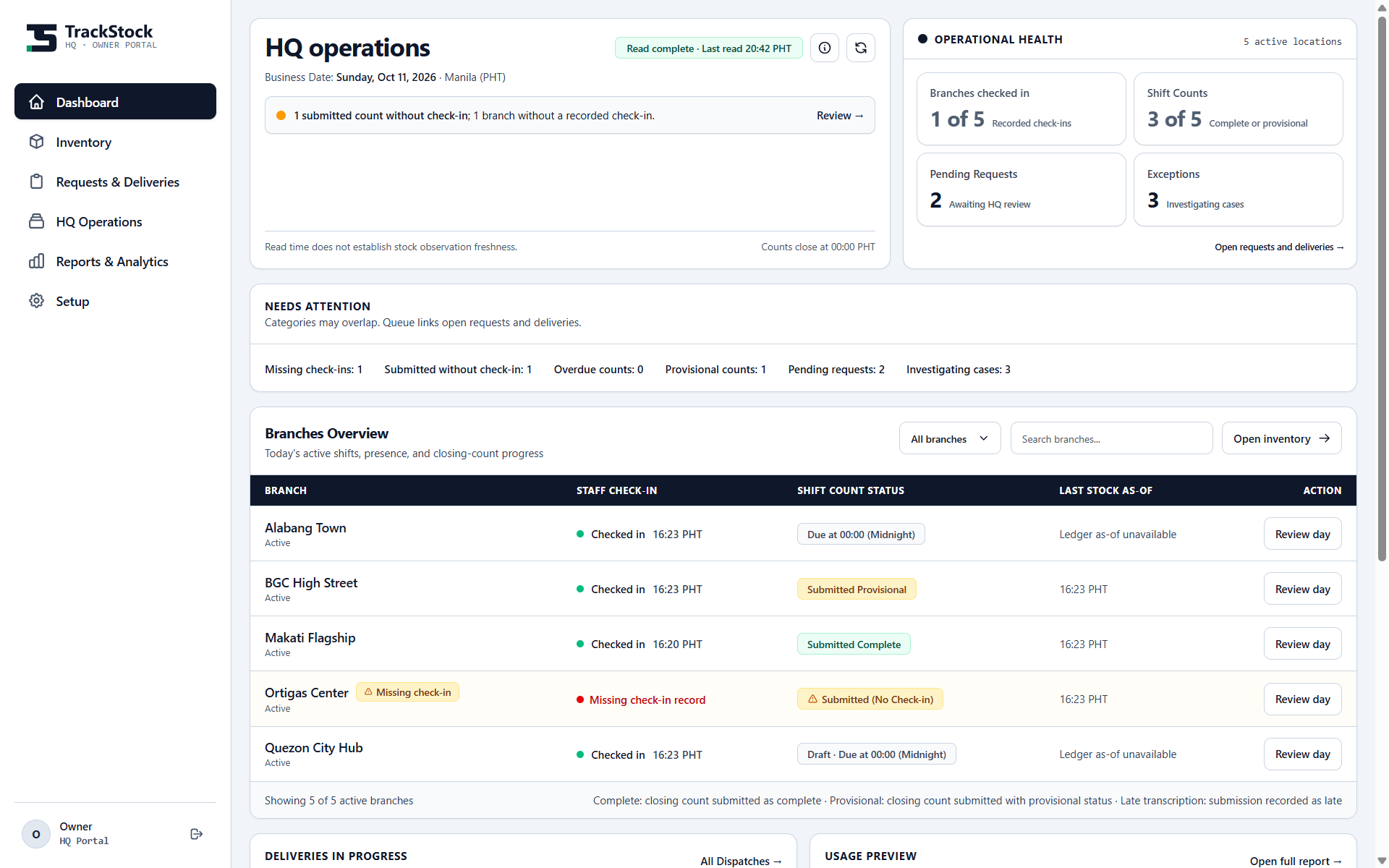
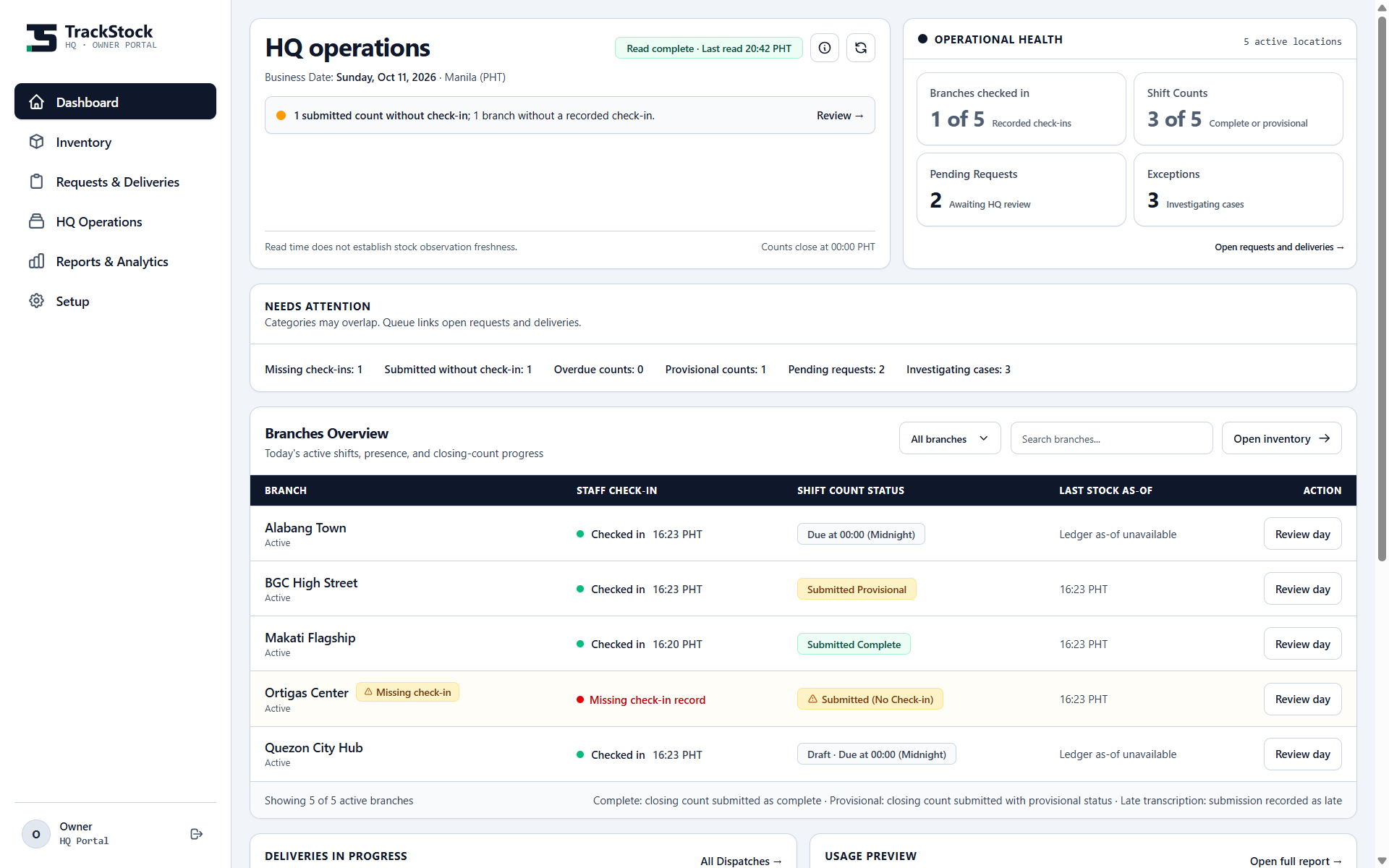
Review branch check-ins, count progress, and operational attention across locations.
Inspect stock by location and keep recorded quantities beside their unit and last observation.
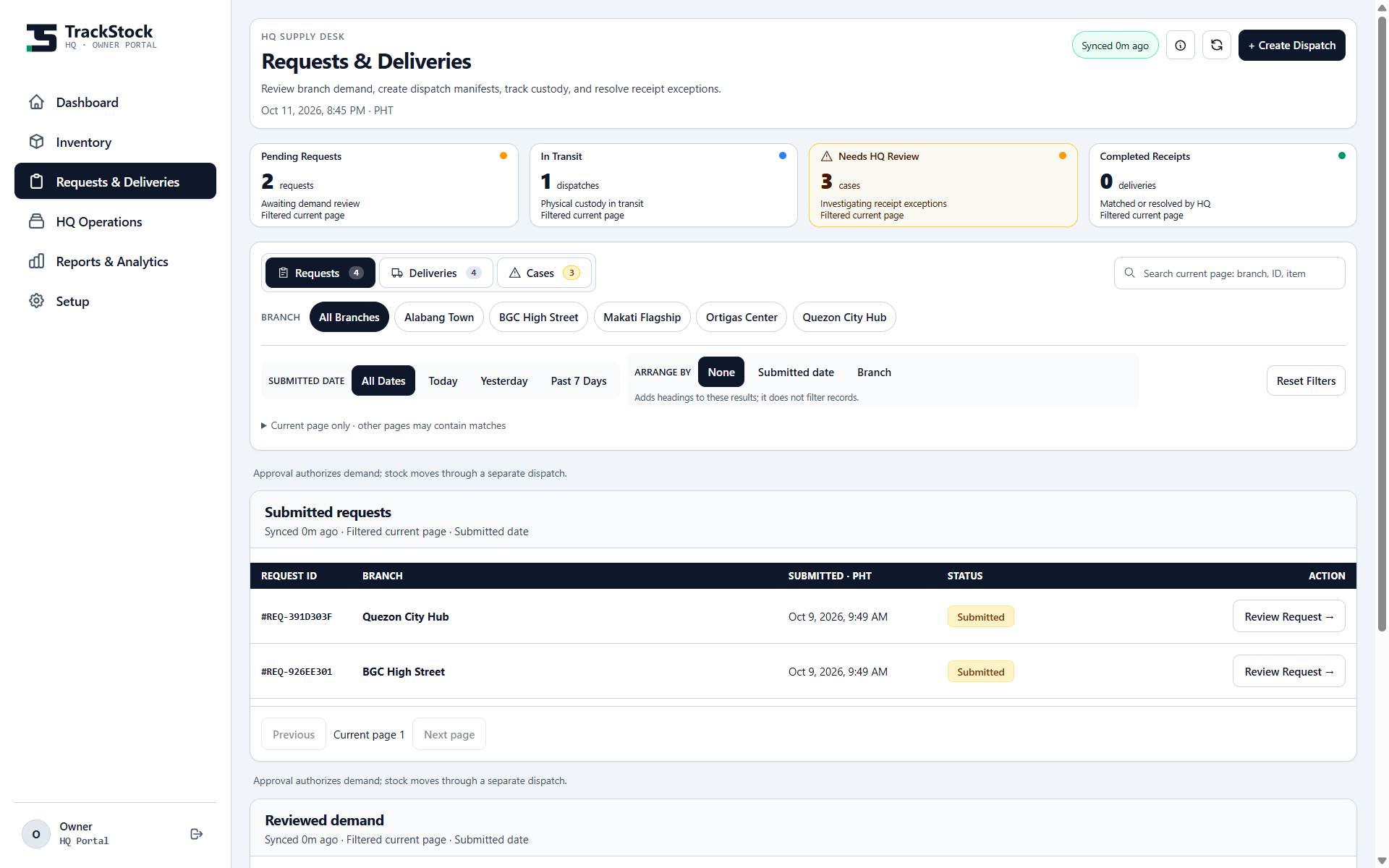
Review requests, dispatches, and receipt exceptions as distinct steps in the supply workflow.
Screenshots show actual local application screens with demo records captured at different times. Their values are static. The video demo is a recorded product walkthrough.
Follow branch counts, HQ review, and delivery receipts in this recorded walkthrough.
See how TrackStock connects branch counts, HQ review, inventory, and delivery receipts. This 56-second recording uses local demo records.
Open the recorded video Browse the app screenshotsFrom a branch count to HQ review, the details matter. See how TrackStock handles repeat submissions, missing quantities, and corrected counts.
TrackStock returns the saved result when the same count submission is retried. A connection retry can continue without posting that count twice.
A missing quantity stays visible as incomplete information. An explicit zero records an empty stock position, so HQ can tell the two apart.
A corrected count keeps its earlier version available for review. HQ can see what changed, while newer physical observations guide the current stock record.
Branch teams count stock and report what they need. HQ reviews those updates and coordinates supply across locations. TrackStock gives each side a clear place in that workflow.
Inventory, daily check-ins, requests, and deliveries belong together. Follow the information from the shelf to the supply decision, then back to the branch receipt.
Watch the video demoFollow the recorded workflow, explore
the app screens, or ask about TrackStock.
Recorded walkthrough · Static demo records